
Wizard
Some applications have an installation wizard, which allows you to apply all the settings and perform all the actions from the browser.
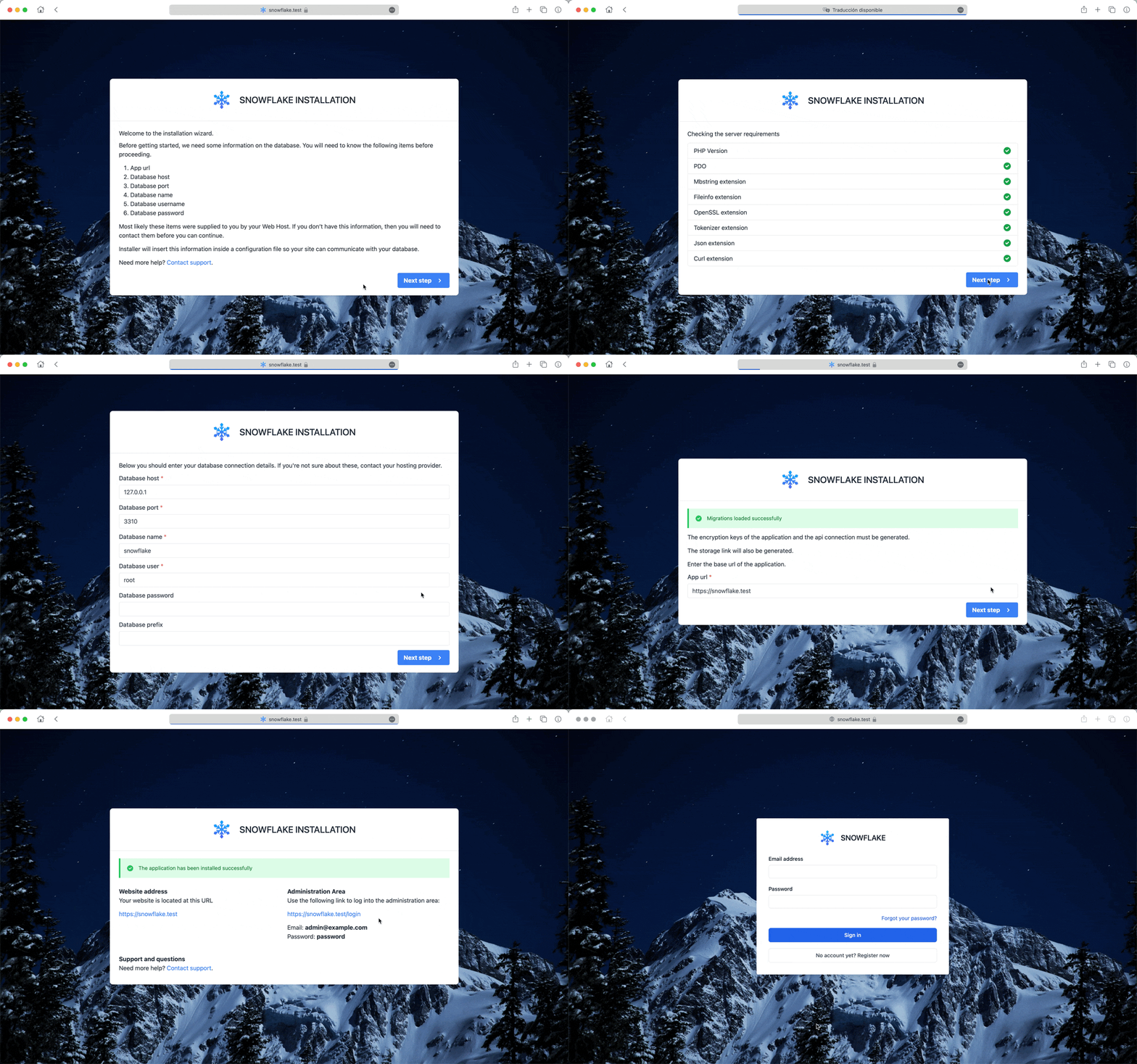
Installation wizard guide
- To access the installation wizard, simply access the application through the browser.
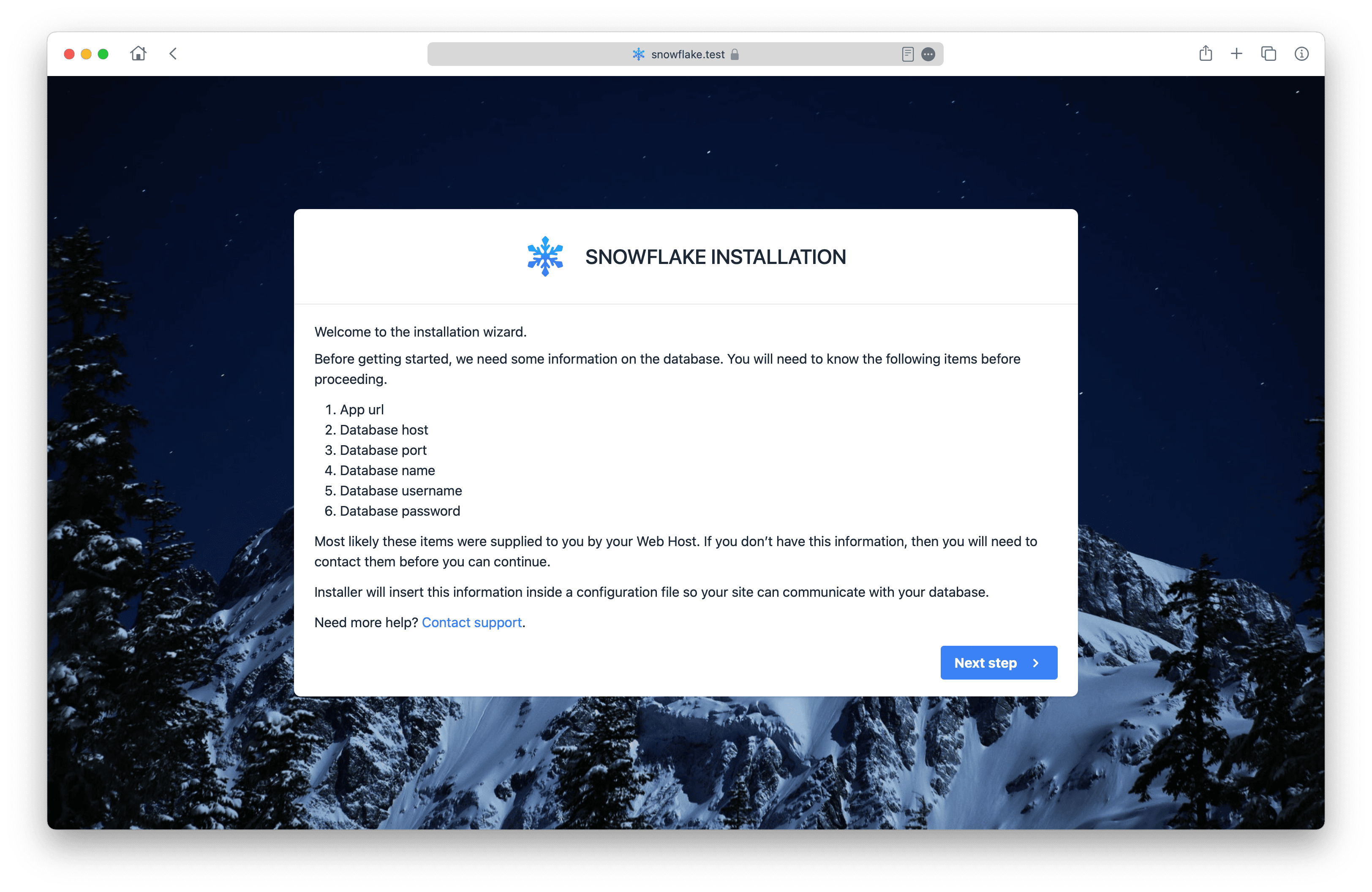
- The server is verified to meet the system requirements.
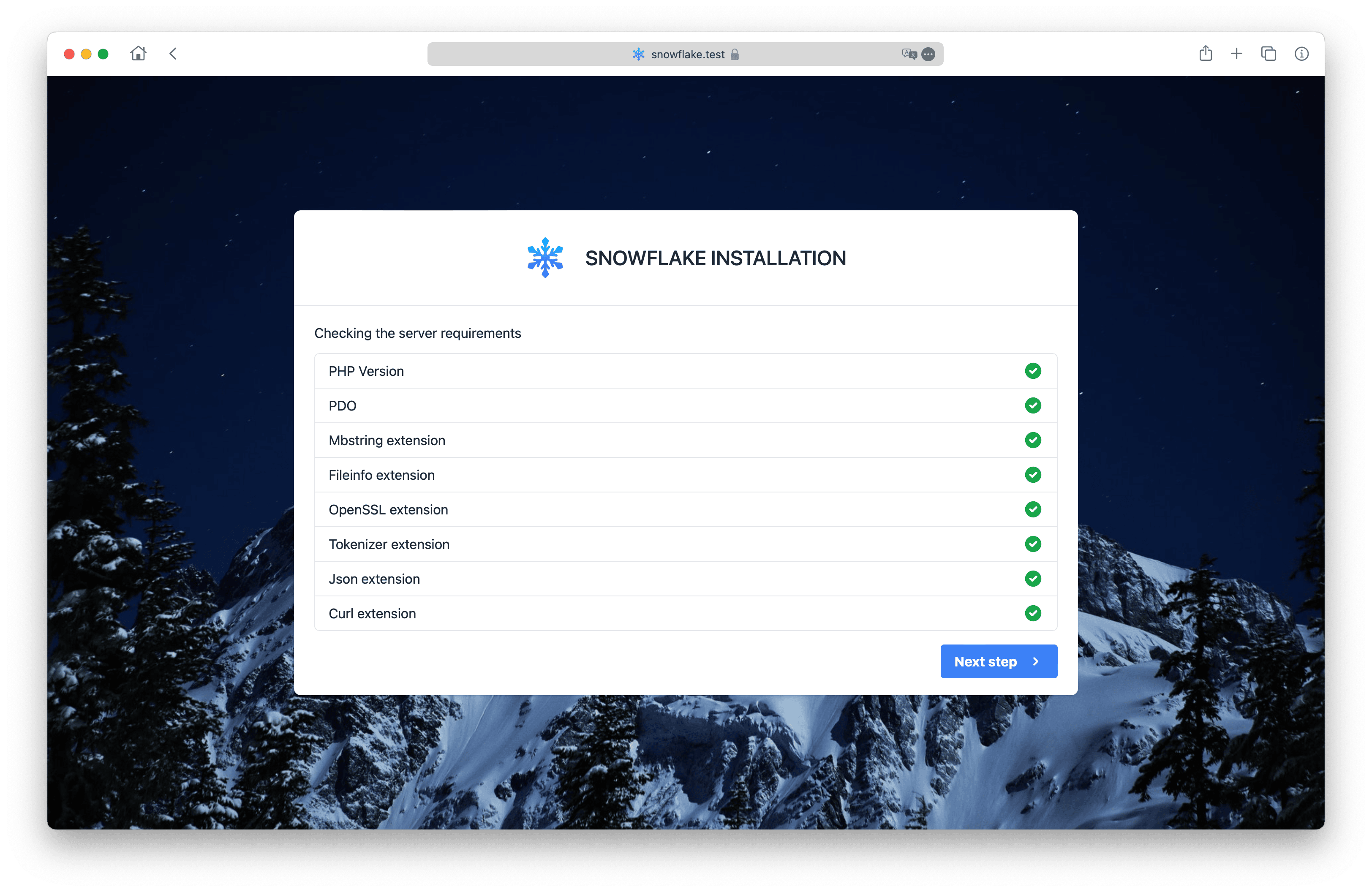
- It is also verified that the folders have read and write access.
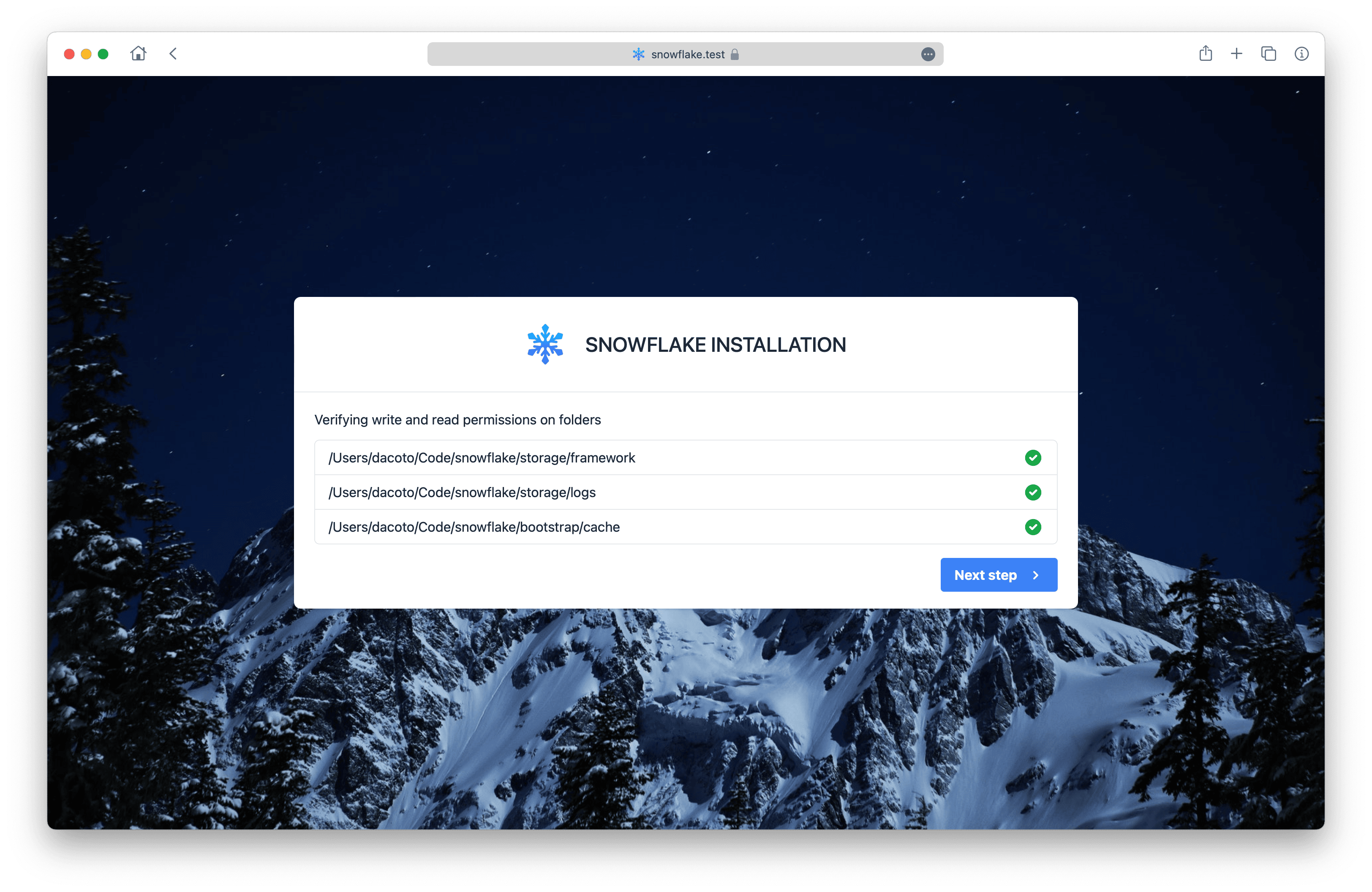
- The access data to the database will be requested to verify the connection and perform the migration of the tables.
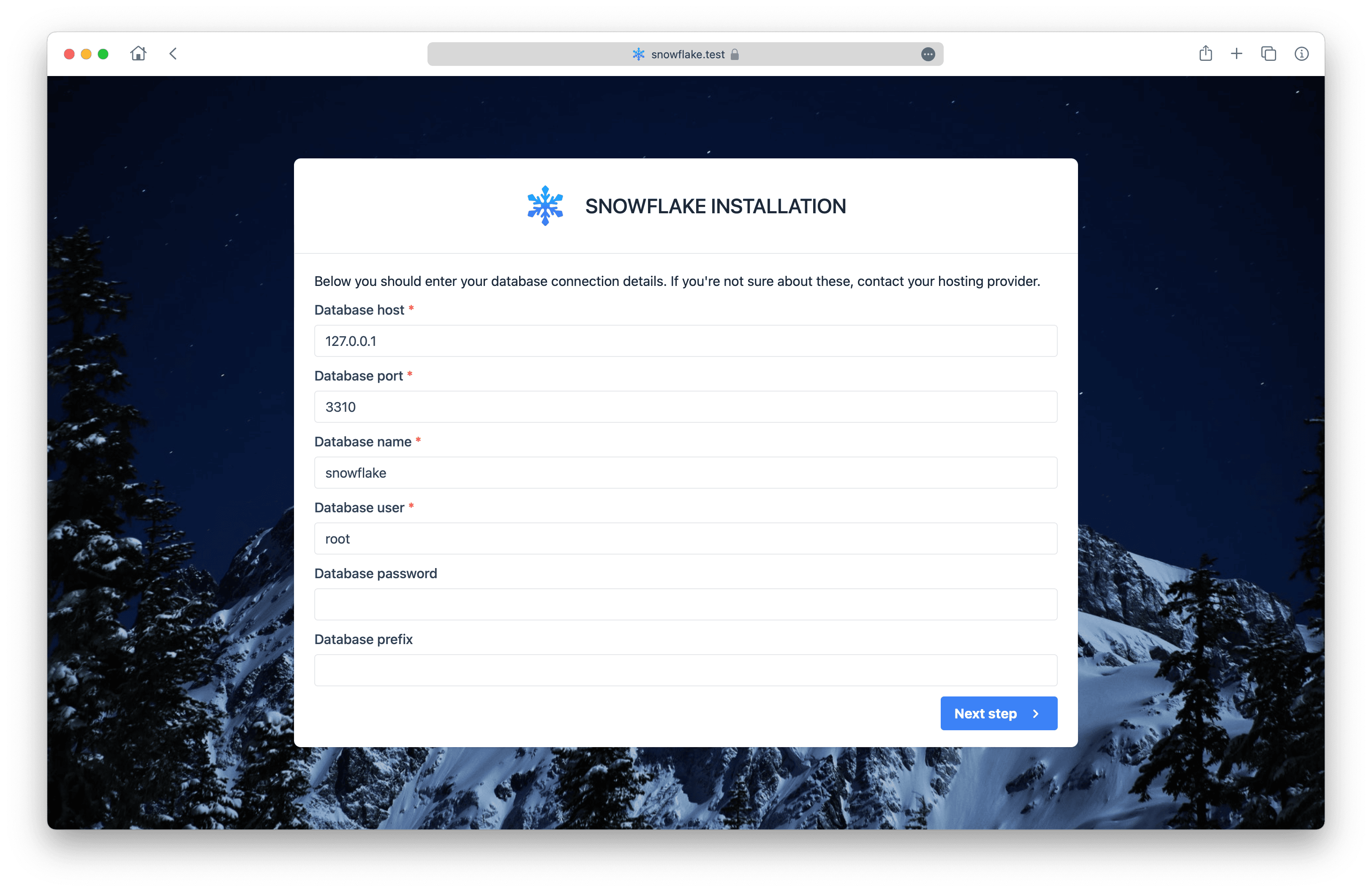
- The connection to the database will be checked.
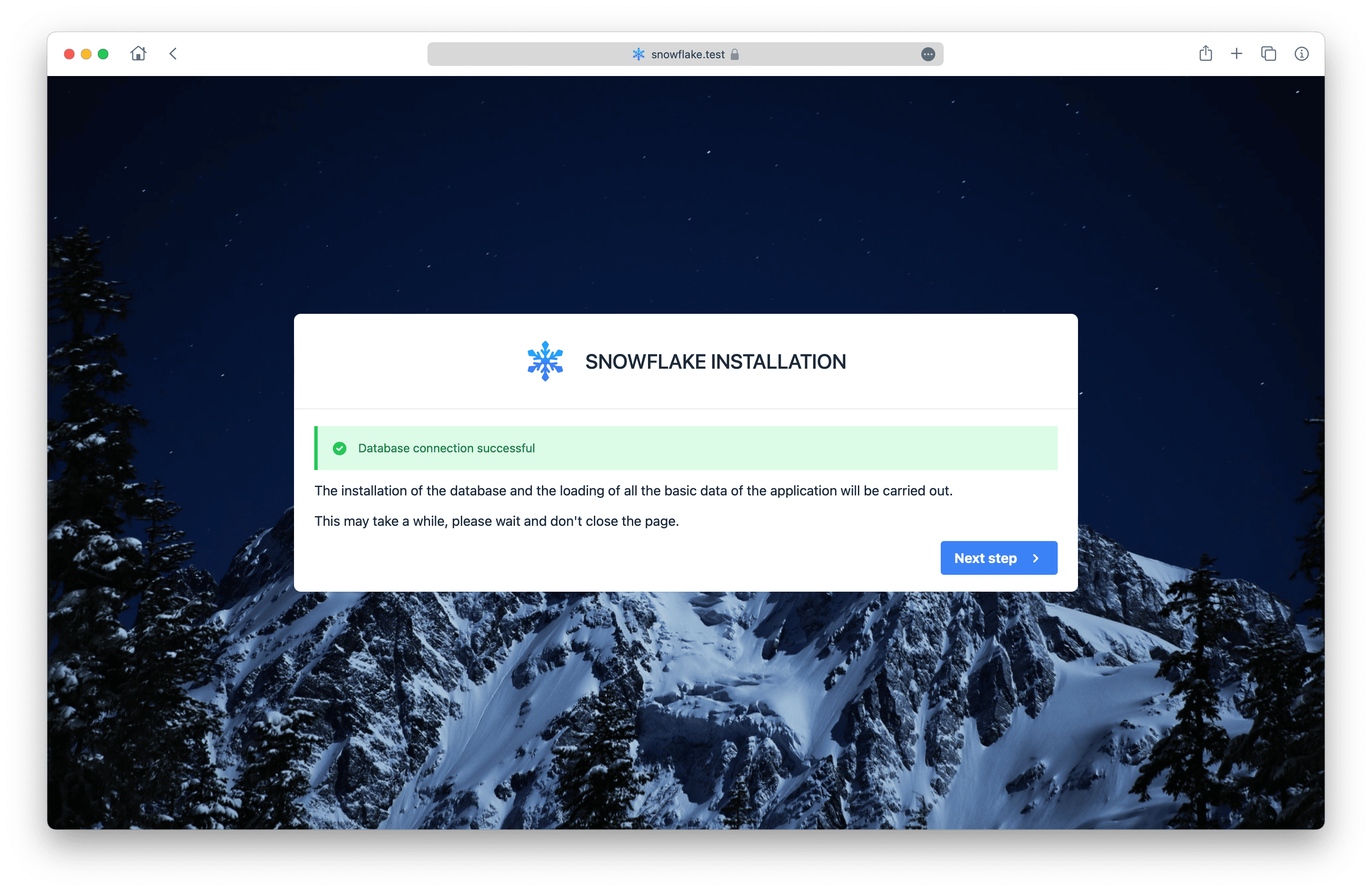
- The database tables and all the necessary application data will be created.
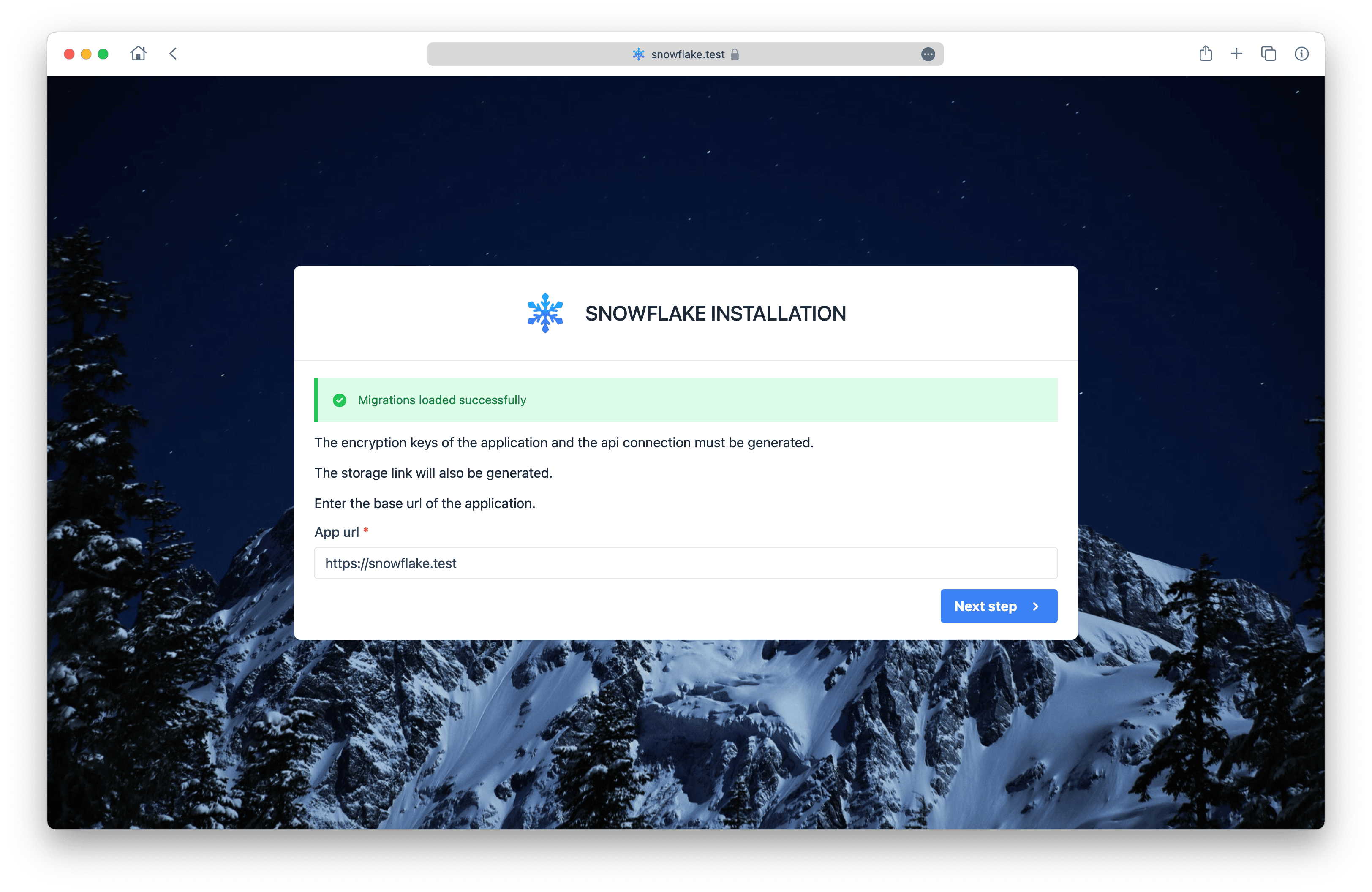
- The application has been installed correctly, you can access it with the default user data.
